Your time.
Their next step.
Offer scheduled services as individual sessions, group classes or session packages.
Create my offer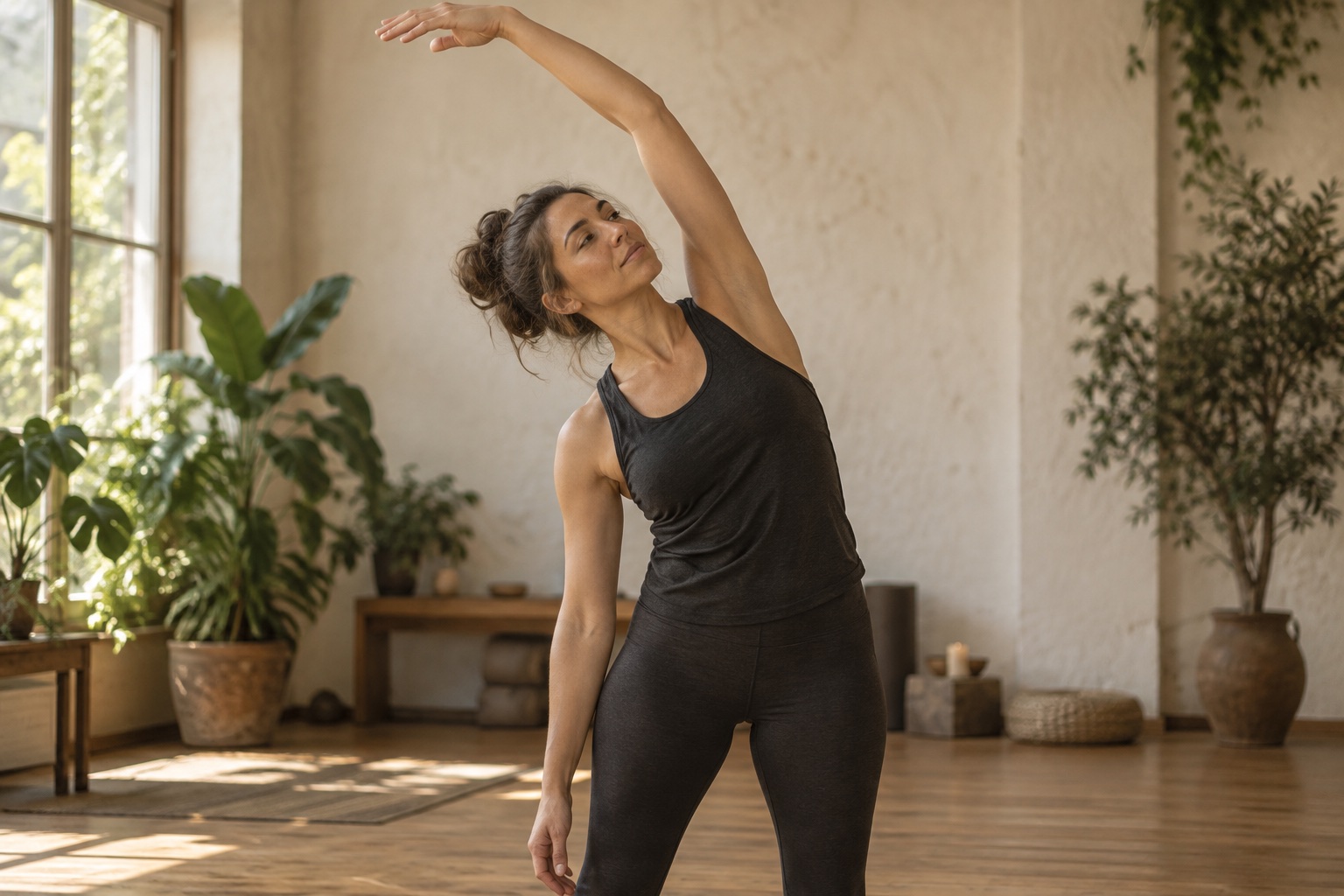
A personal movement session
₪160A gentle start. A routine that fits your day.
Duration & booking limits
Individuals & groups
Session packages
Your first booking.
Coming to life.
Products → Add new product → SERVICE → Bookable
Choose a scheduled service
Choose SERVICE → Bookable, then name and price the session.
Set duration and capacity
Choose the session length and seats: one-to-one or a shared class.
Define booking boundaries
Set booking notice, breaks and the booking window. Add sessions and expiry for a package.
Prepare your attendees
Add attendee questions and preparation. Answers stay with the booking.
Illustrative demo based on the real Cockpit form. Example values.
Create a new product
SERVICECancellation notice is set for the whole business in Studio → Knowledge → Refunds and cancellations.
Private coaching session
60 minutes · 1 seat
A scheduled sessionAsk PAKA to help set it up.
Describe the session by typing or speaking. Paka can help with service details and booking settings, then propose changes for you to approve. Review the setup in Products.
Before you begin.
Timing boundaries
Set the break after a session, advance notice and booking window on the service.
Preparation & booking policy
Add attendee questions and preparation steps. Cancellation notice is a business-wide Studio policy.
Exceptions need approval
Choose whether requests outside the policy wait for you. Only you can approve a policy exception.
How do I protect time between sessions?
Set a break after each session, advance notice and a booking window. The break is reserved after the session, so it does not block the first appointment of the day.
Where do I set cancellation notice?
In Studio → Knowledge → Refunds and cancellations. The cancel/reschedule notice applies across the business rather than being overridden per service.