Introduction
The two overlap. A site can be built with AI and use AI to assist customers. A site built without AI can also have AI-powered features added later.
For a business owner, the useful distinction is where the AI does its work: in creating and managing the site, in serving the customer, or in both. That matters whether you sell products, take bookings, offer courses, or simply want people to understand your services.
These are useful working definitions, rather than rigid product categories. When comparing tools, look past the label and ask what the AI actually helps someone do.
What is an AI website builder
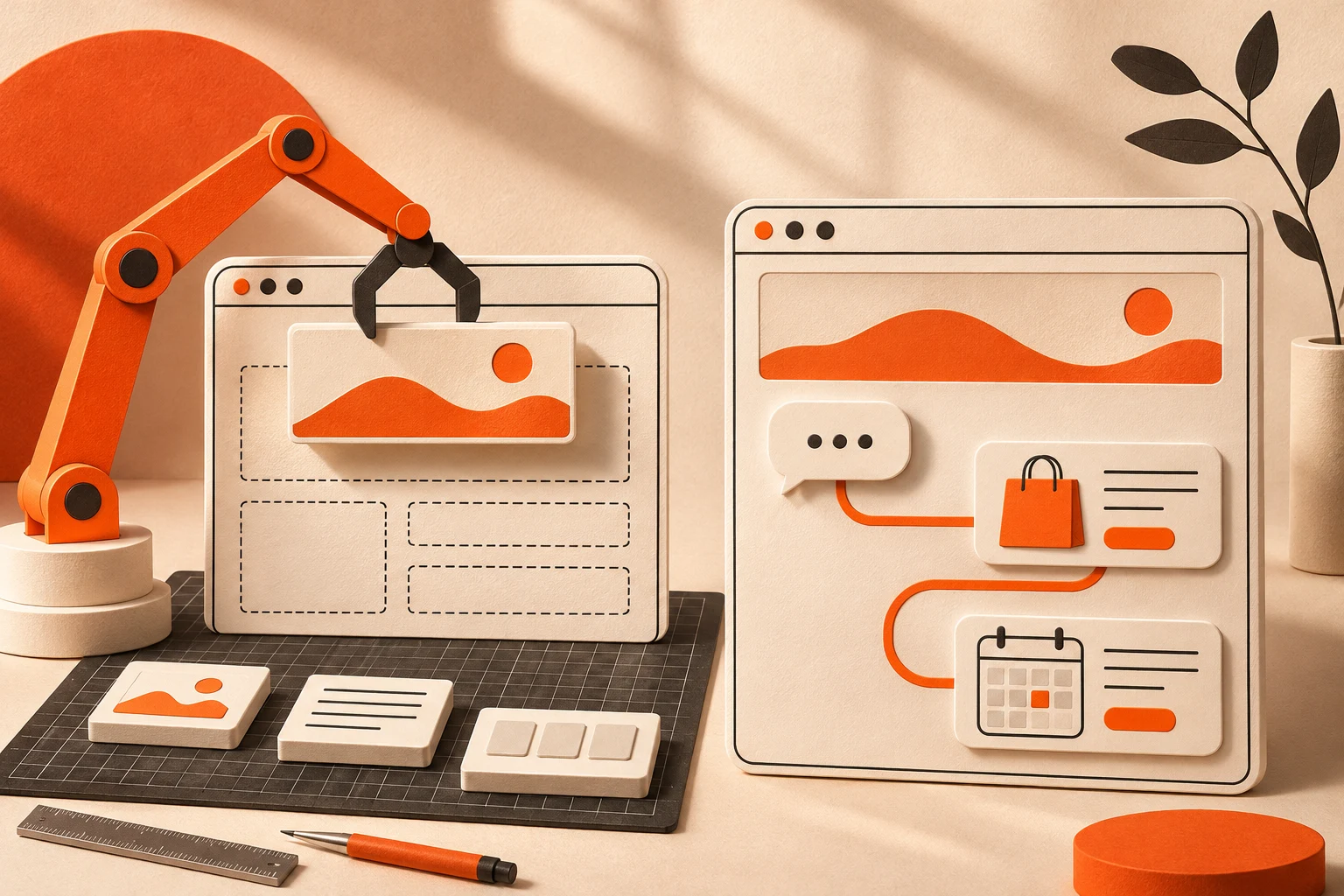
An AI website builder helps turn your instructions into a website or changes to one. Depending on the platform, it can generate page layouts, draft text, create images, or help you refine the design.
For example, a photography teacher might ask:
“Create a website for my photography business with pages for beginner courses, private lessons, and downloadable guides.”
The builder might produce a starting design and content for the owner to review. Some builders also connect business functions such as a store or scheduling system. Wix, for example, describes AI-assisted page creation alongside manual editing and business tools. See Wix’s AI website builder.
This can be useful when getting a site built or updated is the main obstacle. You still need to check that the result accurately represents your business, works on mobile, and lets people complete the tasks you intended.
The important limitation is about what you can infer from the label. AI-generated pages do not, by themselves, tell you whether a visitor can ask questions or receive AI-assisted recommendations. You need to check those capabilities separately.
What is an AI powered website
For this comparison, an AI-powered website means a site where AI participates in the customer experience after publication.
A visitor to the photography business might ask:
“I have a phone, not a camera. Which course should I start with?”
A suitable AI feature could use the business’s course information to explain the options and point to an appropriate starting course. If the system supports further actions, it might also help the visitor reach an enrollment or booking flow.
Possible customer-facing features include:
- Answering questions using the business’s approved information.
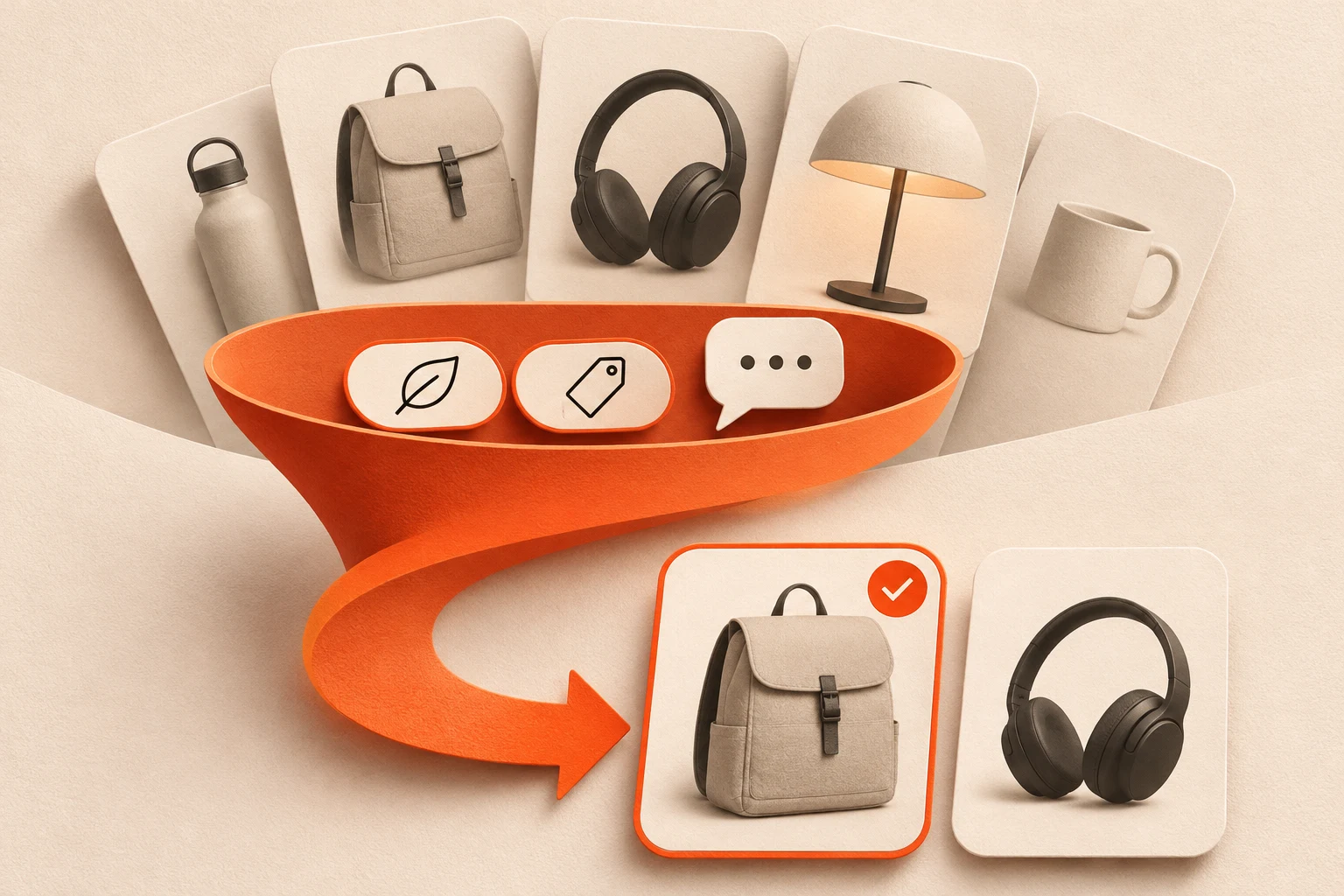
- Helping visitors compare products, services, or courses.
- Asking clarifying questions before suggesting an option.
- Bringing relevant content and actions into view.
- Guiding people toward a booking, purchase, or inquiry.
No single feature is guaranteed by the words “AI-powered.” A product recommendation, an answer in chat, and a completed booking are different capabilities. Ask providers to show you the whole journey that matters to your business.
Also distinguish AI from ordinary website functionality. A checkout, calendar, customer account, or filter can work without AI. The question is what the AI contributes to using those tools.
How the two approaches compare
Who works with the AI
With a builder, the business owner, designer, or marketer typically gives instructions about the site. With customer-facing AI, the visitor asks about their own needs or the business’s offers.
An owner might say, “Make the course page easier to scan.” A customer might say, “I can only study on weekends. Which option fits?” Those requests need different information and different controls.
What does success look like
For site creation, useful measures include how much editing is needed, whether the owner can maintain the result, and whether the published site meets its requirements.
For customer-facing AI, test answer accuracy, the usefulness of recommendations, and whether customers can complete their intended task. A long conversation is not necessarily a successful one.
What needs to stay current
Both approaches depend on accurate business information. A builder needs reliable input for the pages it creates. A visitor-facing agent also needs access to the information relevant to its ongoing role.
For example, explaining a cancellation policy requires the current policy. Offering an appointment requires a trustworthy source of availability. A polished response is not evidence that either source is connected.
Where can they overlap
A platform may offer AI-assisted creation, owner-facing management tools, and customer-facing assistance together. Wix’s published AI tool guide, for instance, describes both website creation tools and Smart Chat for visitors. The categories are not mutually exclusive. Explore Wix’s AI tools.
Choose the capabilities you need rather than assuming that buying one category excludes the other.
A practical example for a course and services business
Consider an independent photography teacher with three offers: a beginner course, a private lesson, and a downloadable editing guide. The following is an illustrative scenario, not a product test or customer case study.
Using AI to build the site
The teacher provides descriptions, prices, images, and course details. An AI builder helps organize that material into pages. The teacher checks the copy and connects the appropriate purchase and booking tools.
A visitor can browse the offers, read the details, and choose. This may be all the business needs, especially if its offers are easy to understand.
Using AI to assist the visitor
Now imagine the visitor says:
“I want better photos for my handmade products. I only use my phone, and I would like feedback on my work.”
A useful assistant should check which offers actually address those needs. It might ask whether the visitor prefers a group course or individual help, explain the difference, and show the relevant options.
If no course includes personal feedback, the assistant should say so. If private lessons are suitable, it should show the current terms and supported next step rather than inventing a time or promising a result.
The experience earns its place when it helps someone make an informed choice. Whether it uses a small chat window or a larger adaptive interface is a separate design decision.
Does an AI powered website have to be a chatbot
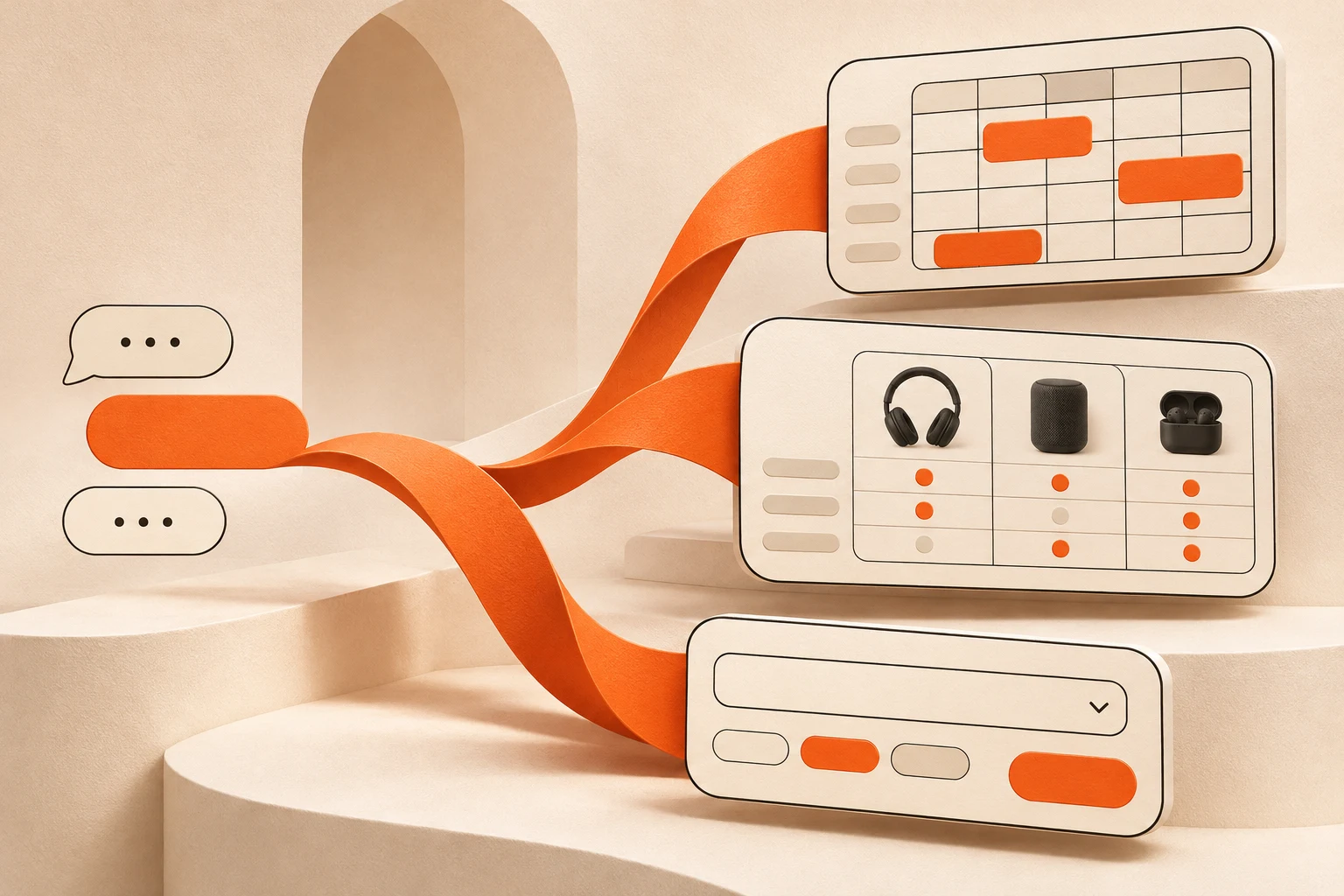
No. Chat is one possible interface. AI can also support search, recommendations, or an experience that changes which content and controls are visible.
Even among chat interfaces, capabilities differ. One assistant may answer questions and share links. Another may display product cards or work with connected tools. It would be misleading to assume every chatbot can only provide text, or that every adaptive interface can complete transactions.
Evaluate the interaction itself. Can someone see what is being recommended? Can they check the price and terms? Can they browse without chatting? What happens when the system does not know the answer?
Where PAKA fits
PAKA’s approach pairs an AI agent with an adaptive Canvas. Its public product description presents a customer experience in which relevant offers, information, and supported actions change with the conversation. It describes use cases spanning products, bookings, and courses. Explore PAKA.
That puts the emphasis on what happens when someone engages with the business. The owner supplies knowledge and rules; the customer can explore a need and move toward an appropriate next step.
PAKA also describes a way to keep an existing website and direct visitors into a particular experience through contextual links called URL Prompts. A business can therefore consider a focused customer journey rather than treating every new AI capability as a reason to replace its whole site.
How to choose what your business needs
Start with the problem you want to solve.
If you need a clear, manageable website, assess the builder first. Check editing control, mobile layouts, content quality, and the business tools you need. Try changing a price or adding an offer yourself before deciding.
If visitors need help choosing, assess the customer experience. Use real questions from your inbox. Test whether the system understands your offers, explains trade-offs accurately, and knows when to ask a person for help.
If your existing site works well, test a narrow addition. One course-selection journey or service inquiry flow can be a more manageable starting point than a complete redesign.
Before committing, ask:
- What can the AI actually do? Separate answering, recommending, collecting information, and completing actions.
- Where do its facts come from? Check how prices, policies, availability, and product details are updated.
- What does the customer approve? Make costs, selected options, and confirmation steps clear before a purchase or booking.
- What happens when something fails? Test missing information, unavailable offers, and interrupted conversations.
- What does it cost to operate? Compare the subscription, usage allowances, transaction fees, and integration costs relevant to your setup.
- Can everyone use the essential journey? Check mobile use, keyboard access, readable content, and a straightforward alternative to conversation.
Use those answers to judge whether AI improves the experience enough to justify its cost and maintenance.
What about SEO
An AI interface needs to sit alongside a considered approach to search visibility.
Google can render JavaScript, but its documentation explains that crawling, rendering, and indexing are distinct stages. It also recommends server-side rendering or pre-rendering where appropriate, noting that not all bots run JavaScript. Google’s JavaScript SEO guidance.
Google also states that Search does not interact with pages to load content through actions such as clicking. A practical implication is that important public information should not depend solely on a visitor starting an AI conversation. Google’s guidance on loading content.
Keep your main services, products, and useful explanations accessible through crawlable pages and links. Test what search engines can see rather than assuming that a visually impressive experience is discoverable. The AI can help visitors explore; the underlying content still needs a clear route into search.
Frequently asked questions
Is a website made with AI automatically AI powered
It depends on what the provider means by “AI-powered.” AI may have helped generate the site without being part of the visitor experience. Ask which AI features remain available to customers after publication.
Can an AI website builder include a customer facing AI agent
Yes. The same platform can provide both. Check what is included in your plan, what requires another integration, and whether the agent supports the specific tasks you need.
Do I need AI to take bookings or sell courses
No. Standard booking and commerce tools can handle those functions. AI may be useful when people need help understanding an offer or choosing between options, but it is not a prerequisite for selling online.
Will an AI powered website increase sales
That is an outcome to test, not a guarantee. Compare completed purchases or bookings, inquiry quality, and customer difficulties before and after a change. Review whether the system creates extra work as well as whether it saves any.
Choose around the customer journey
AI-assisted creation can help you build and maintain a site. Customer-facing AI can help people use it. Many businesses will benefit from combining selected capabilities from both.
Start with one task you want to make easier, such as choosing a course or understanding a service. Then compare tools by how accurately and clearly they help someone complete it.
If you are exploring an adaptive customer experience, see PAKA’s approach and consider which part of your business would be most useful to test first.